Getting Started for Learners

Explore courses, create your account, enroll, and start mastering skills through practice

How learning works

BlitzGrok organizes content as curriculumscoursesmodulestopicspractice questions. Once enrolled, you work through topics at your own pace while the platform tracks your mastery.

Step-by-Step Guide

1

Explore Courses & Curriculums

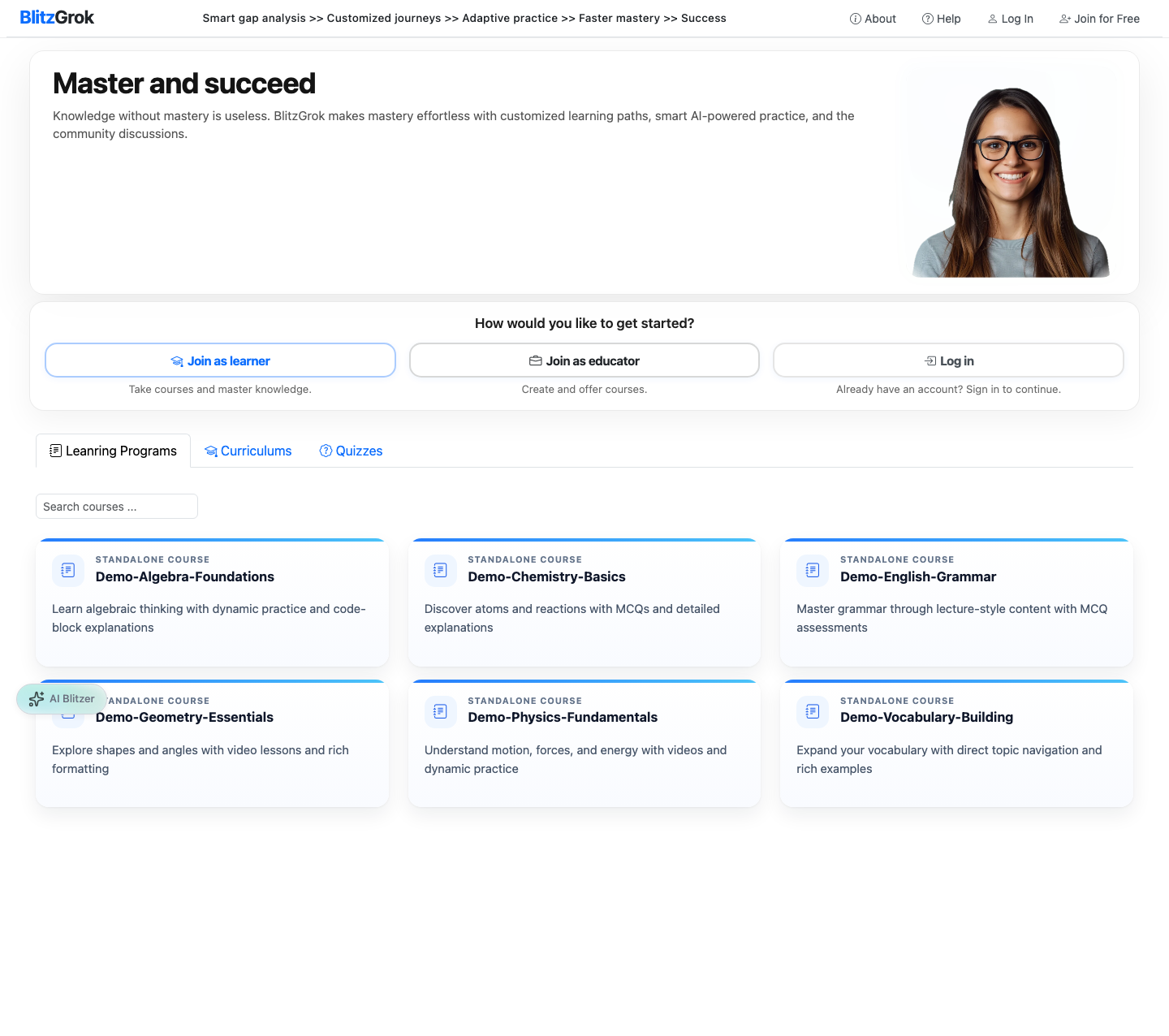
Start from the home page to browse what's available — no account required.
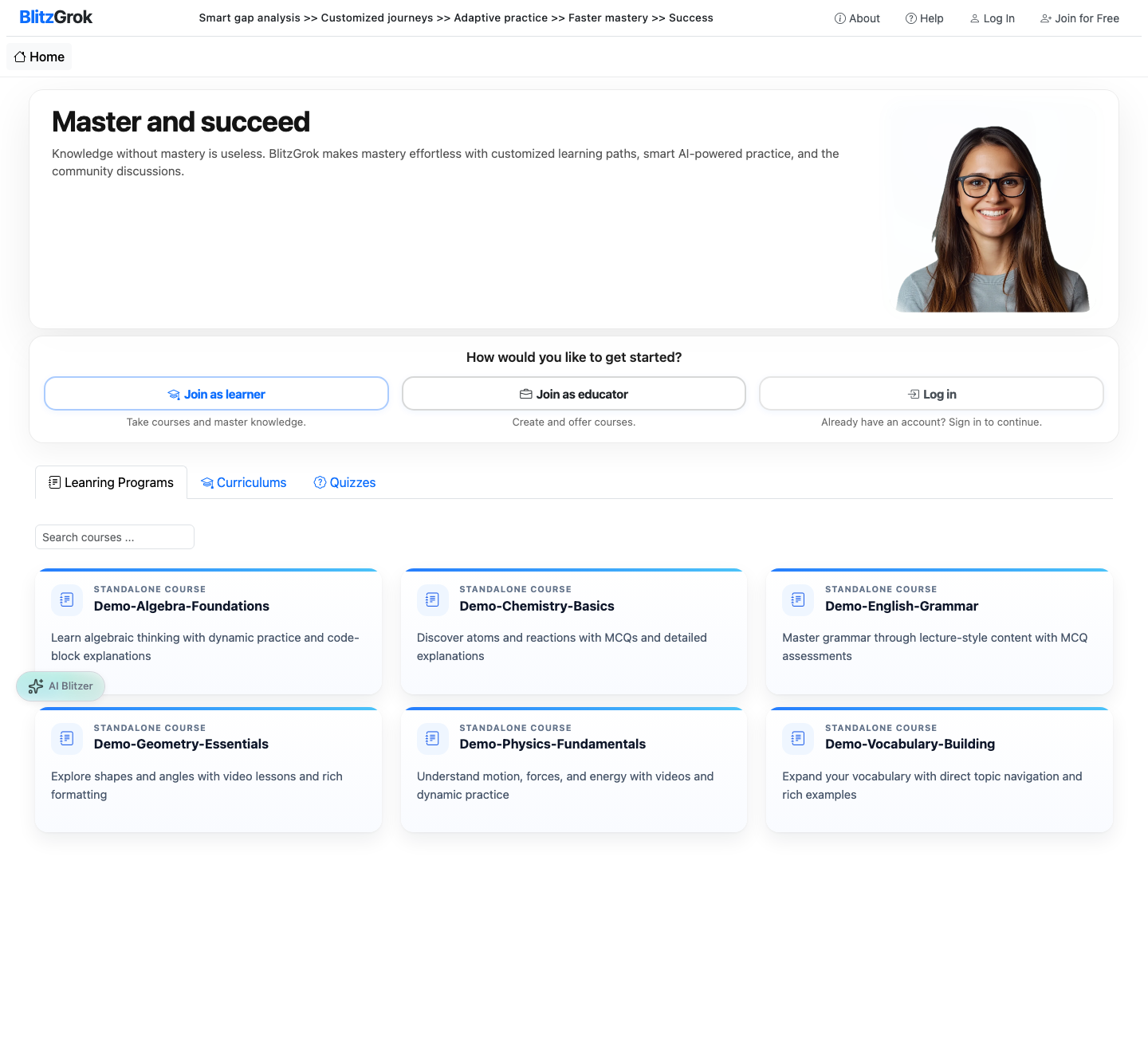
Courses listing
Explore all available courses and curriculums
  • Visit the home page to see published curriculums and courses
  • Open a curriculum to view its courses, or browse courses directly
  • Read descriptions to find content that matches your goals
  • Preview what each course covers before you commit
2

Register for an Account

Create a free learner account to enroll and track your progress.
Login page
Log in with your username and password
  • Click Join or Sign Up from the site header
  • Register with email or continue with Google
  • Parents can create accounts and manage learners from one family account
Create an Account
3

Enroll in a Course or Curriculum

Enrollment unlocks practice questions, progress tracking, and full access to enrolled content.
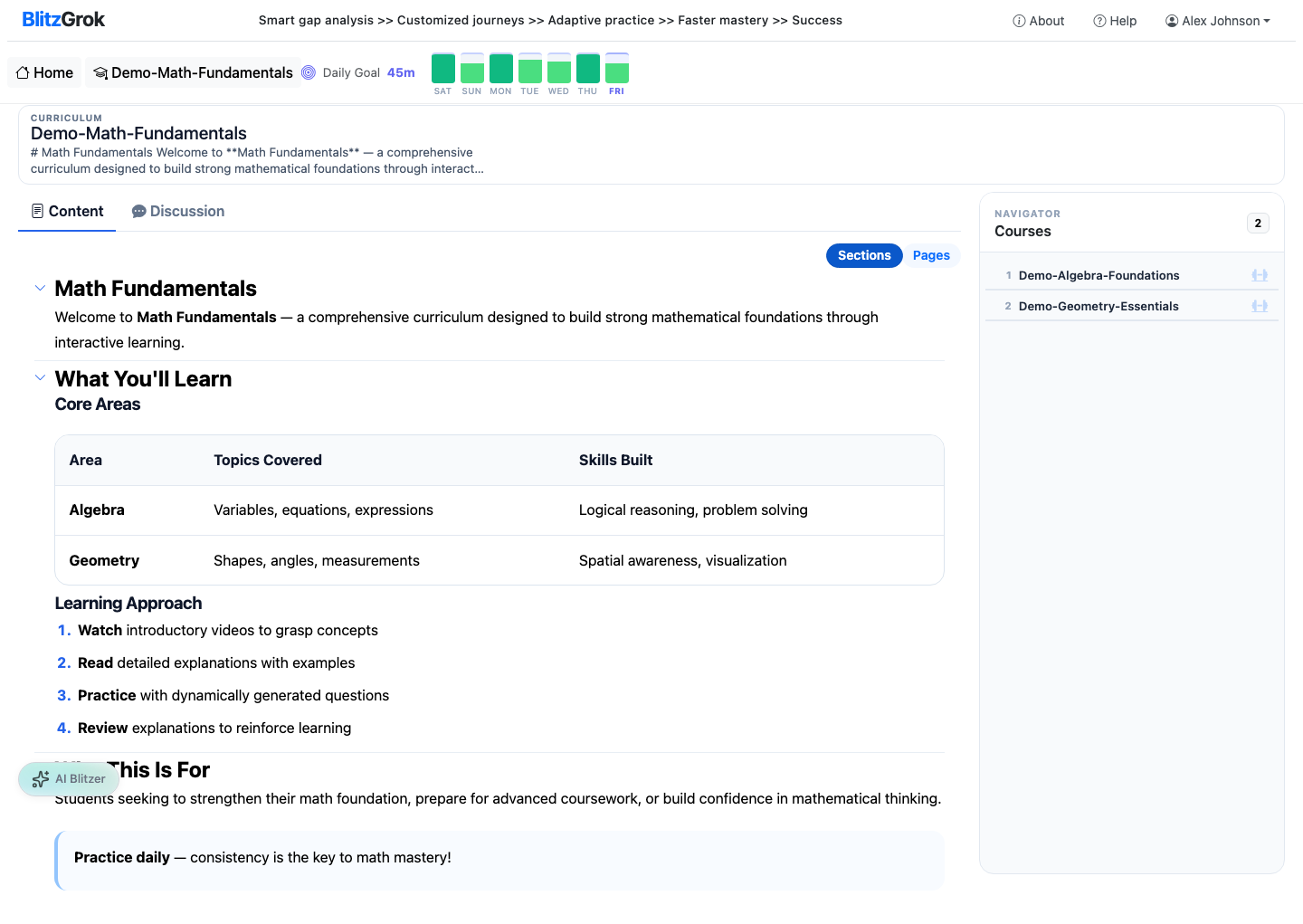
Curriculum view
Explore curriculum content and courses
  • Open the course or curriculum you want to join
  • Click Enroll (or purchase if the content is paid)
  • Complete checkout if payment is required
  • Your enrolled content appears on your dashboard for quick access
4

Learn the Material

Work through courses in order — each module builds on the last.
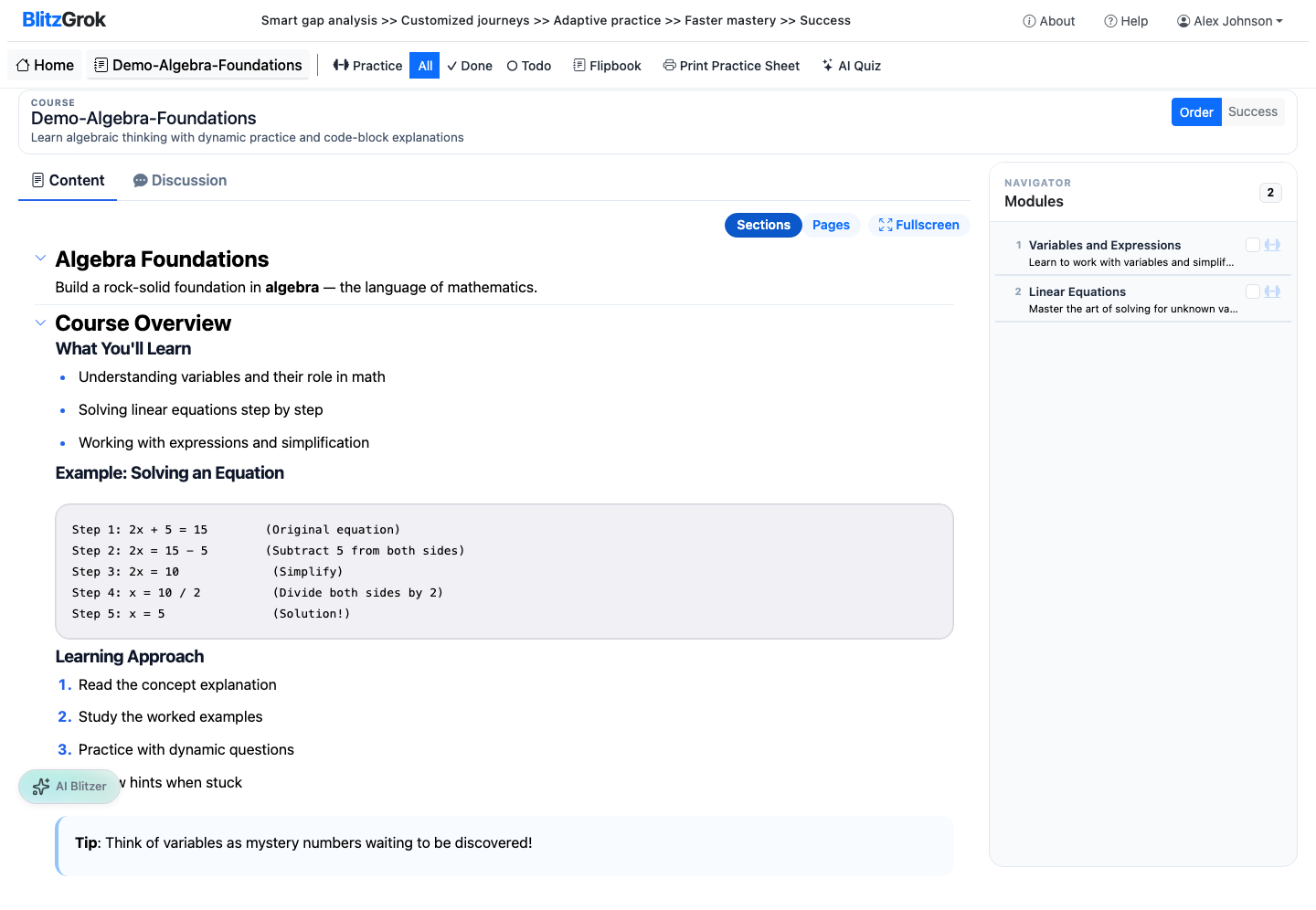
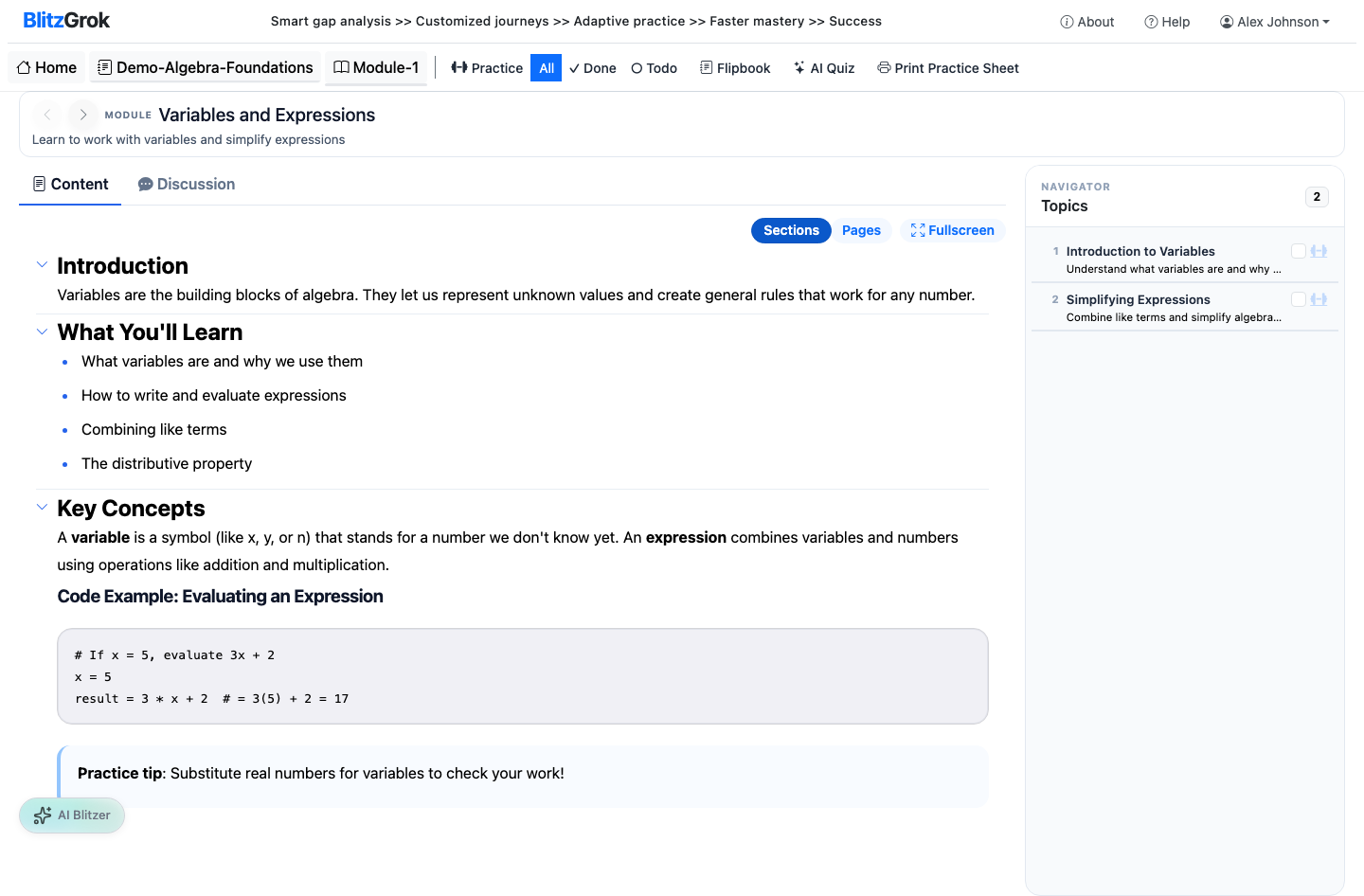
Course view with modules
Navigate course modules and topics
Module content view
Read module content with navigation
  • Open your enrolled course from the home page or dashboard
  • Progress through modules and topics sequentially
  • Read topic descriptions, watch embedded videos, and review any provided resources
  • Use Blitzer, your AI tutor, when you need contextual help
5

Practice & Build Mastery

Practice is where mastery happens — questions adapt and generate fresh problems each time.
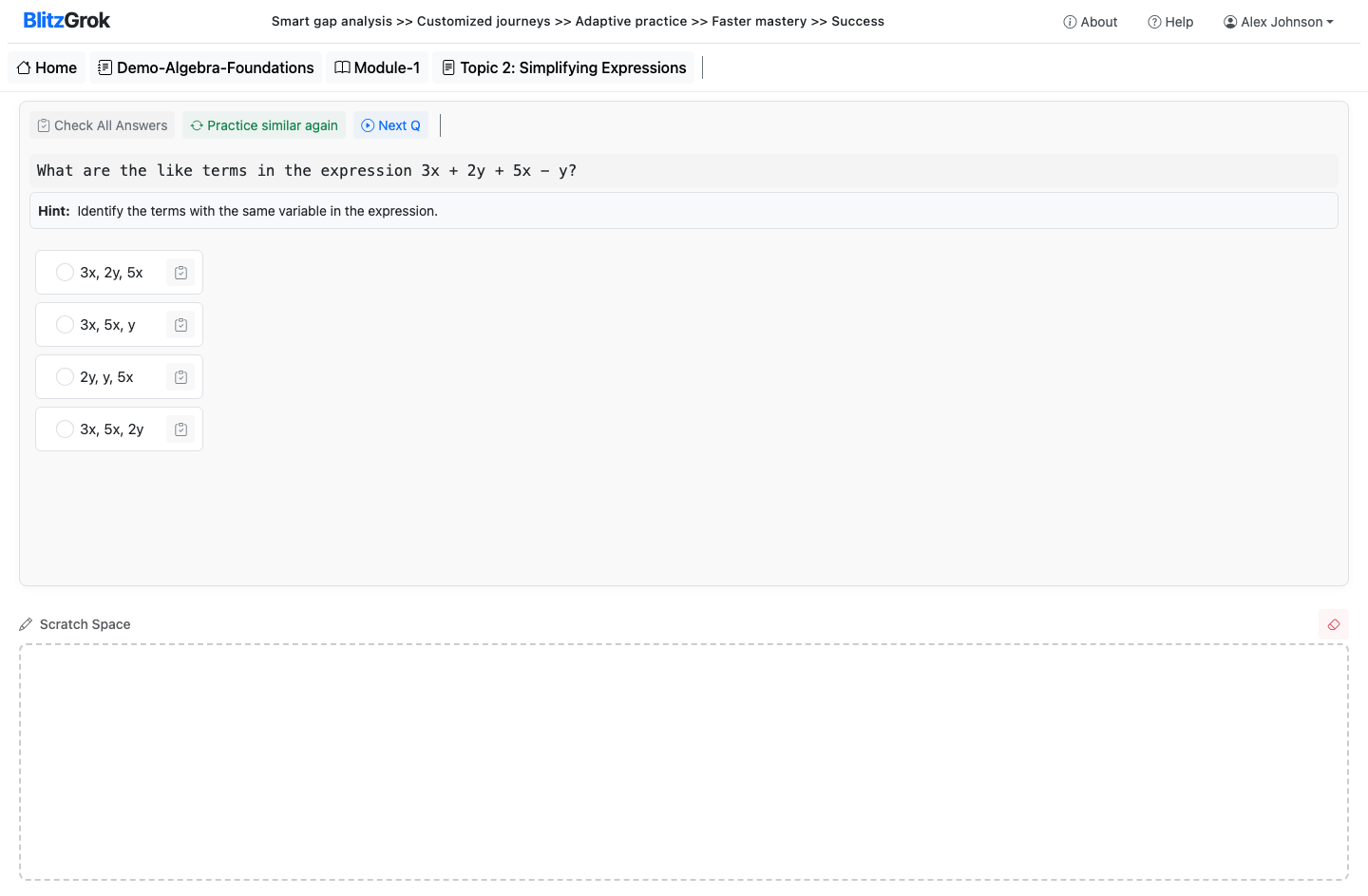
AI-powered MCQ practice
Practice with AI-generated multiple choice questions
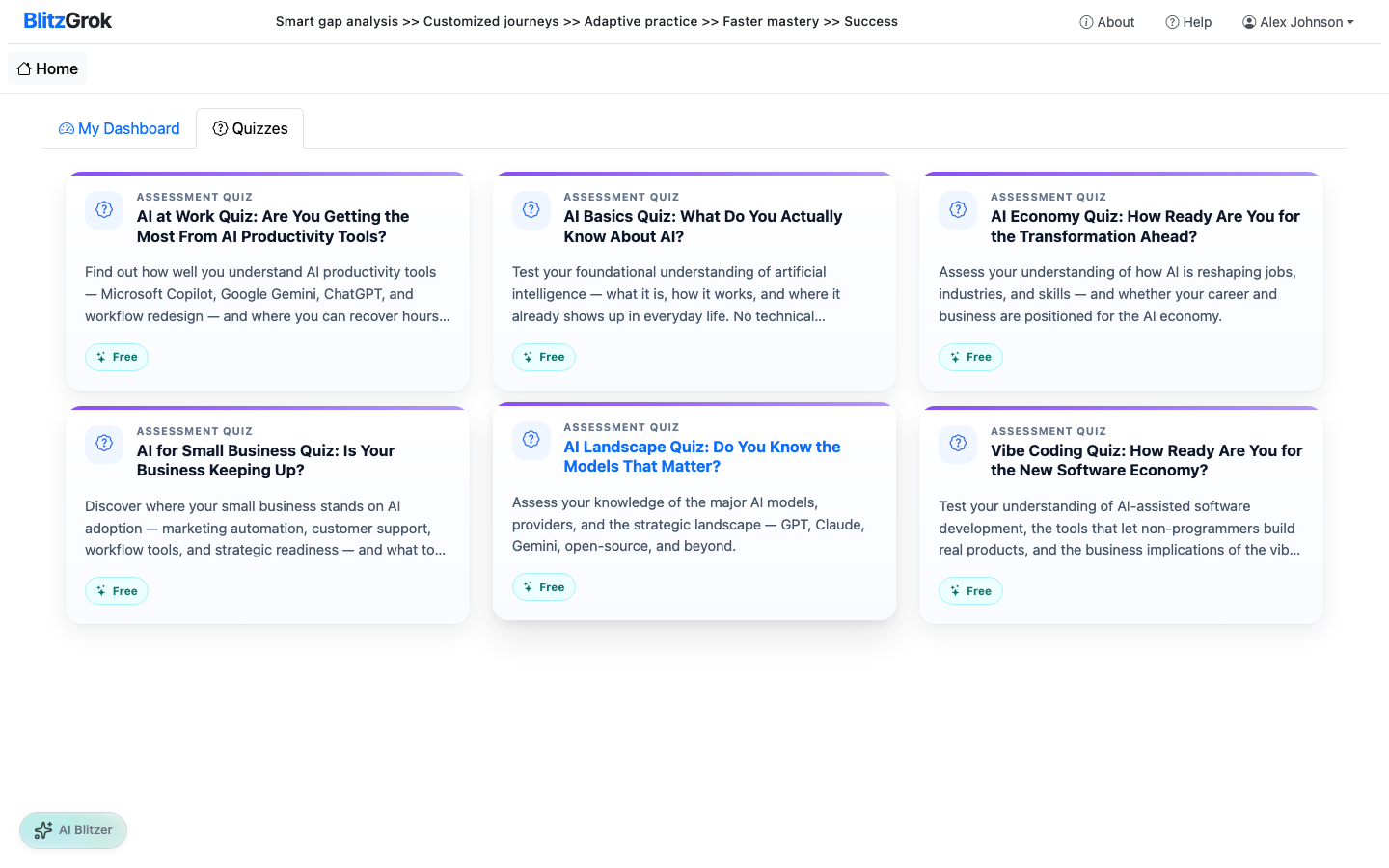
Assessment quizzes
Take free assessment quizzes on various topics
  • Start practice from any topic you've reached in the course
  • Answer dynamic questions that change with each attempt
  • Review explanations when you miss a question
  • Repeat practice on topics until you consistently succeed
6

Track Your Progress

BlitzGrok continuously tracks where you are strong and where you need more work.
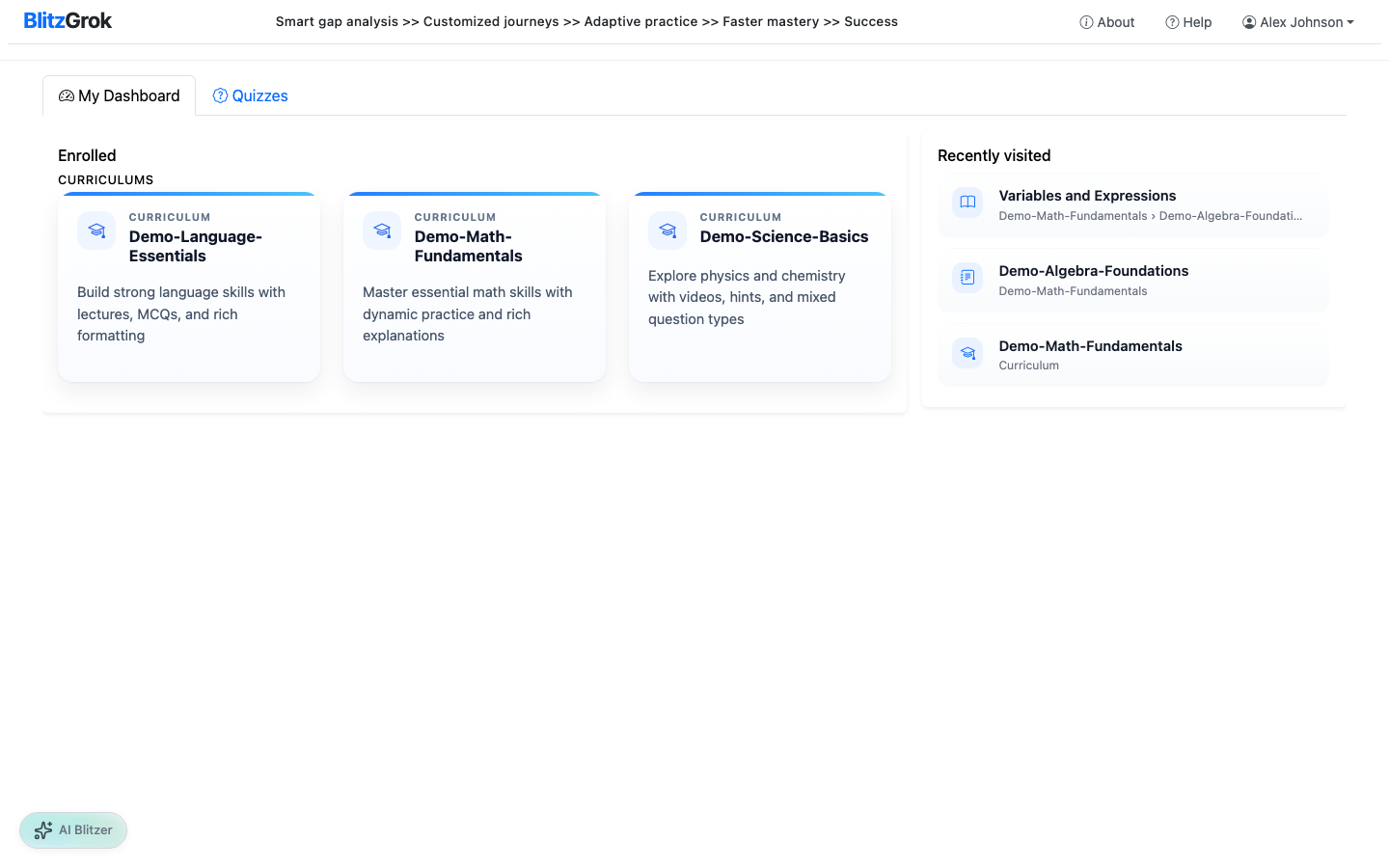
Learner dashboard
Your personal dashboard with enrolled curriculums
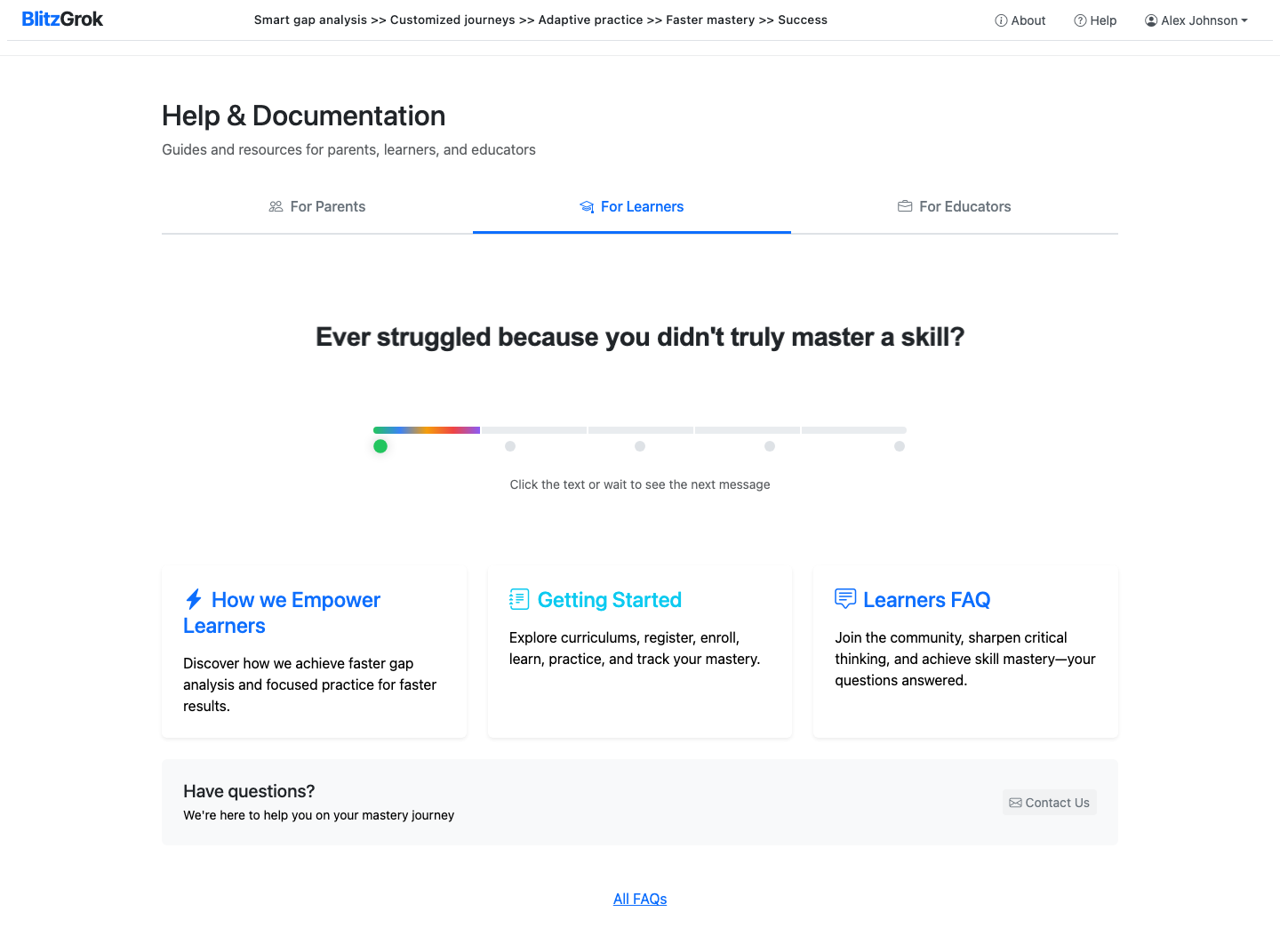
Help page for learners
Access help resources anytime
  • See mastery scores and completion status for each topic
  • Focus on gaps identified by the platform instead of re-doing what you already know
  • Parents and teachers can monitor learner progress from their dashboards

Learn More

Want to understand how we accelerate mastery?

Questions about getting started?

We're here to help you on your mastery journey

Contact Us