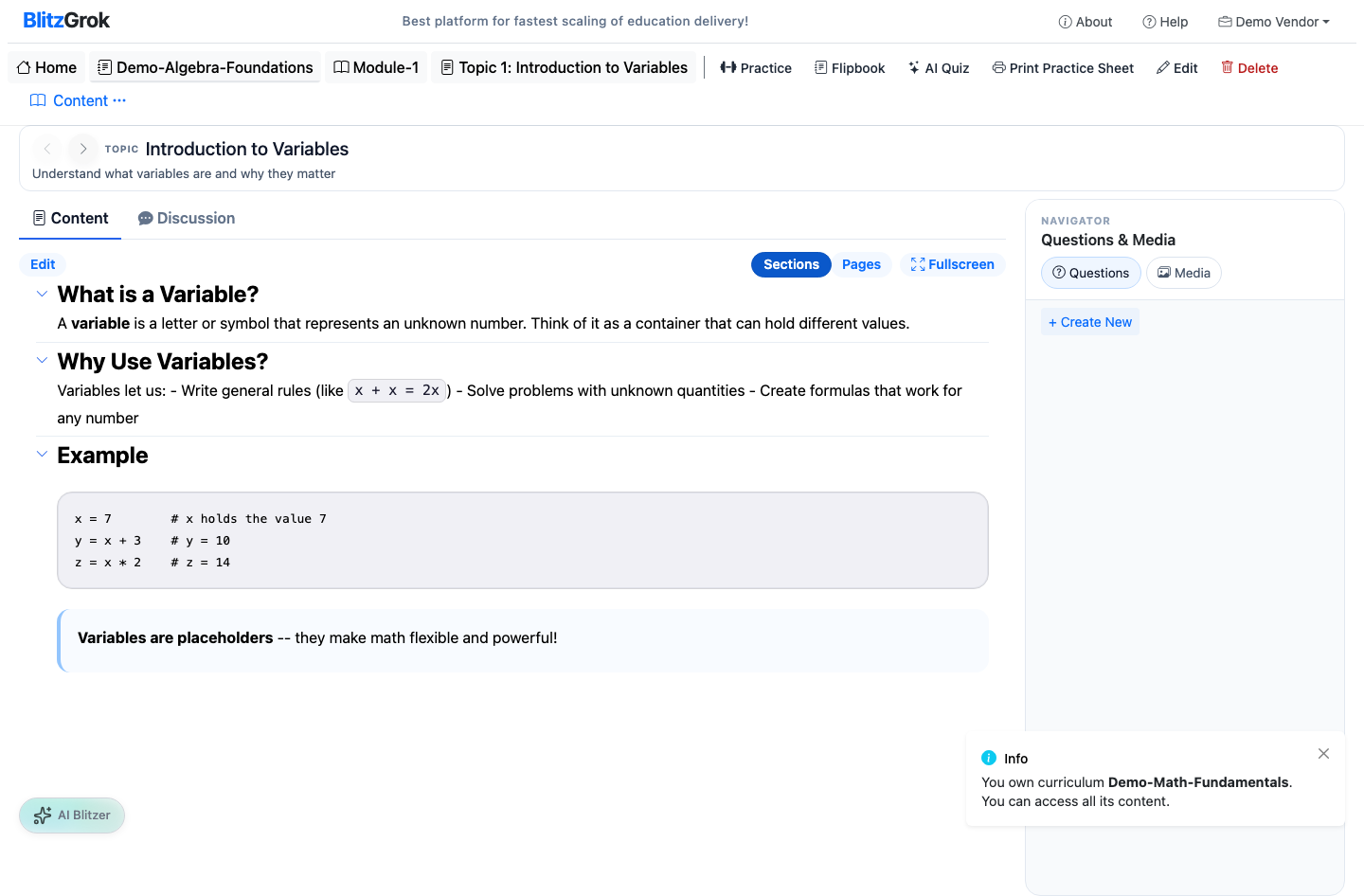
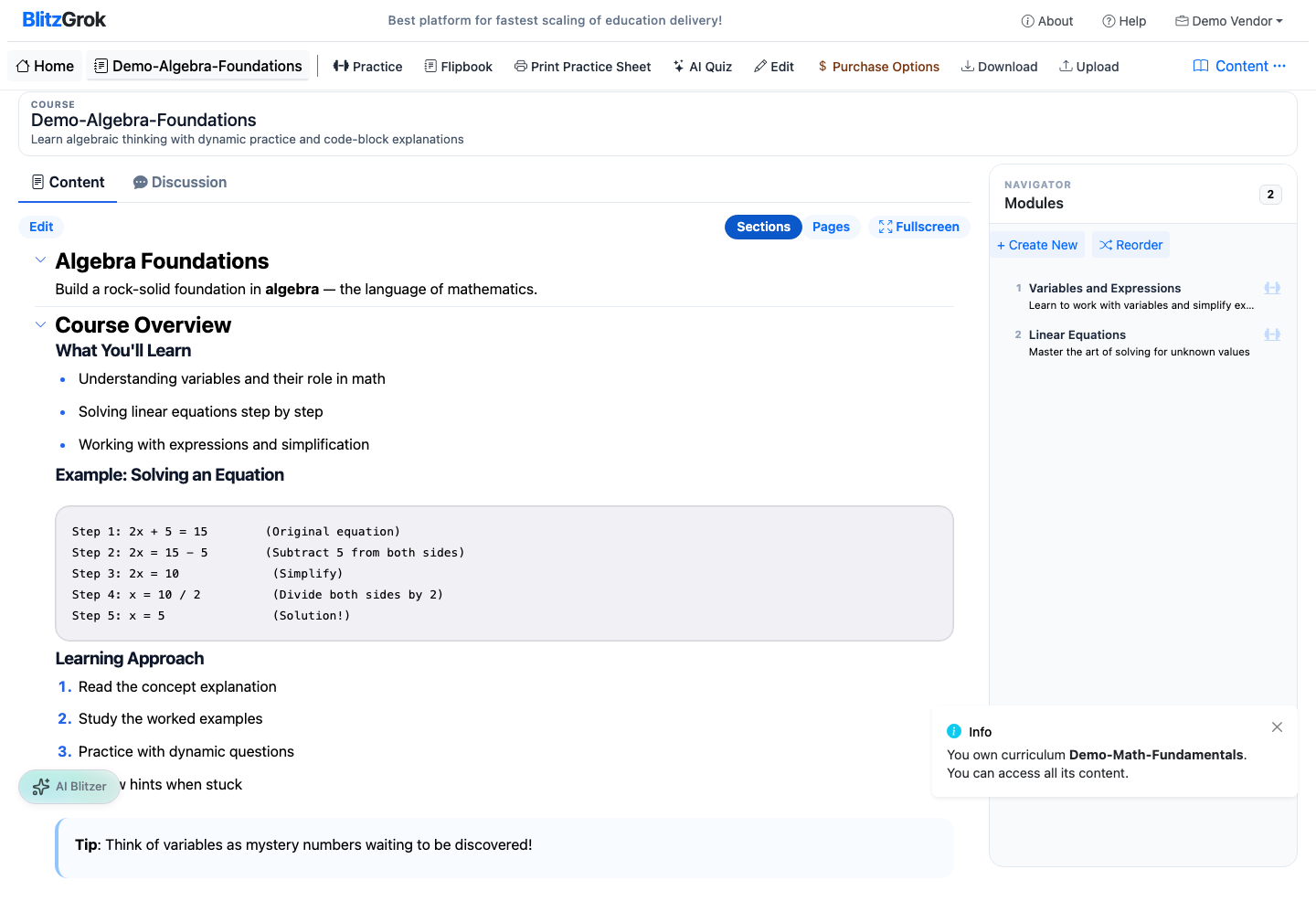
A course is the unit students practice through. Inside a course you'll build modules,
then topics, then add questions.
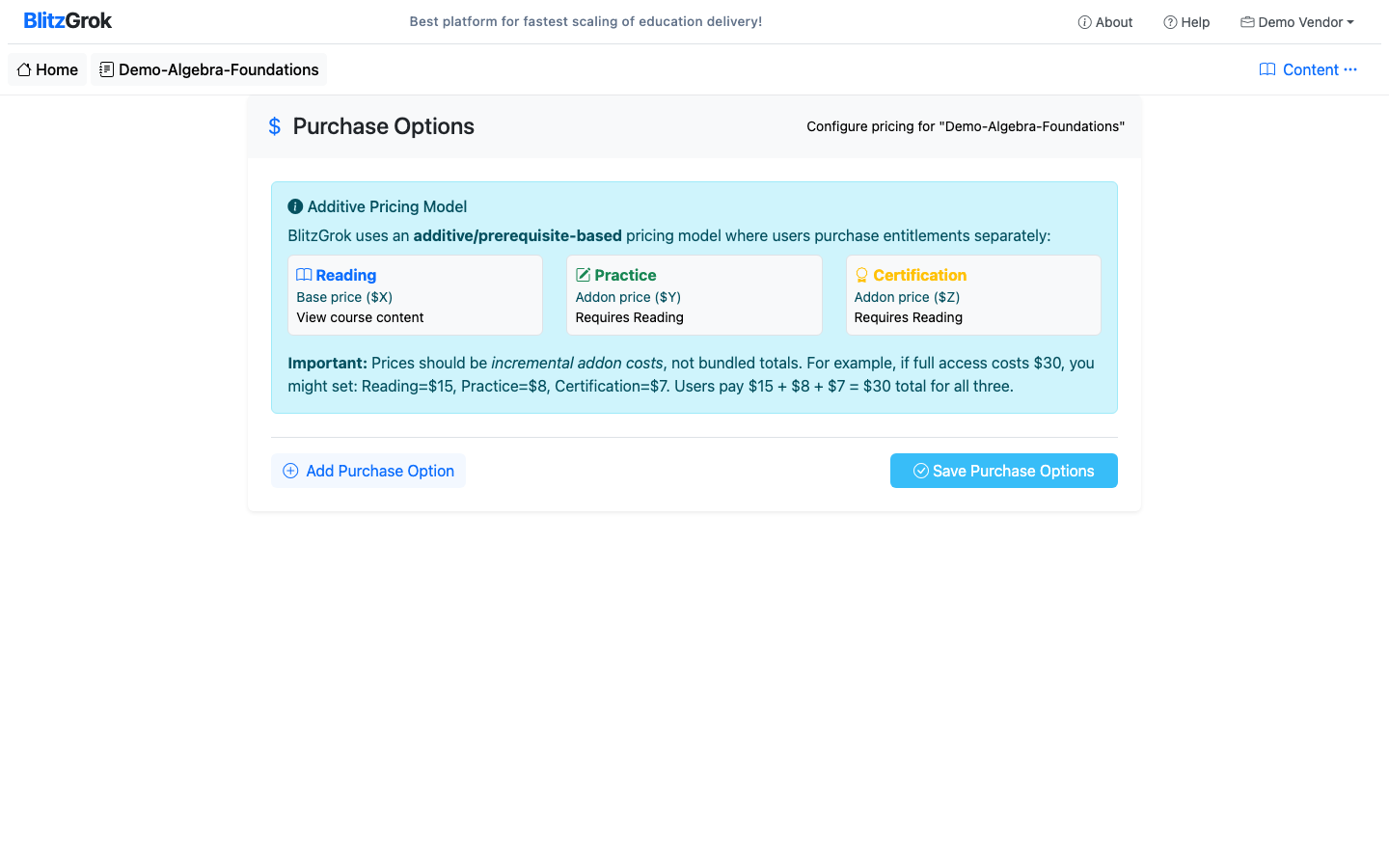
Once you've set pricing (if needed), you can publish the course.
Choose Your Course Structure
Every course organizes content into topics with practice questions. Pick the level of grouping that fits your subject.
Option A
Modules & Topics
Course → Module → Topic → Question
Group topics into modules for a structured, sequential learning path.
Best for: Multi-unit subjects, scaffolded curricula
Example: Algebra with modules like "Equations" and "Graphing"
Learner experience: Progress through modules in order
Option B
Topics Only
Course → Topic → Question
Add topics directly to a course without the module layer — simpler and faster.
Best for: Shorter courses, focused skill practice
Example: Vocabulary Building with topics directly under the course
Learner experience: Jump straight into topics
Tip:Start with Topics Only for a quick MVP. You can add modules later if the course grows.
Step-by-Step Guide
1
Create the Course
From your Educator dashboard, start a new course.
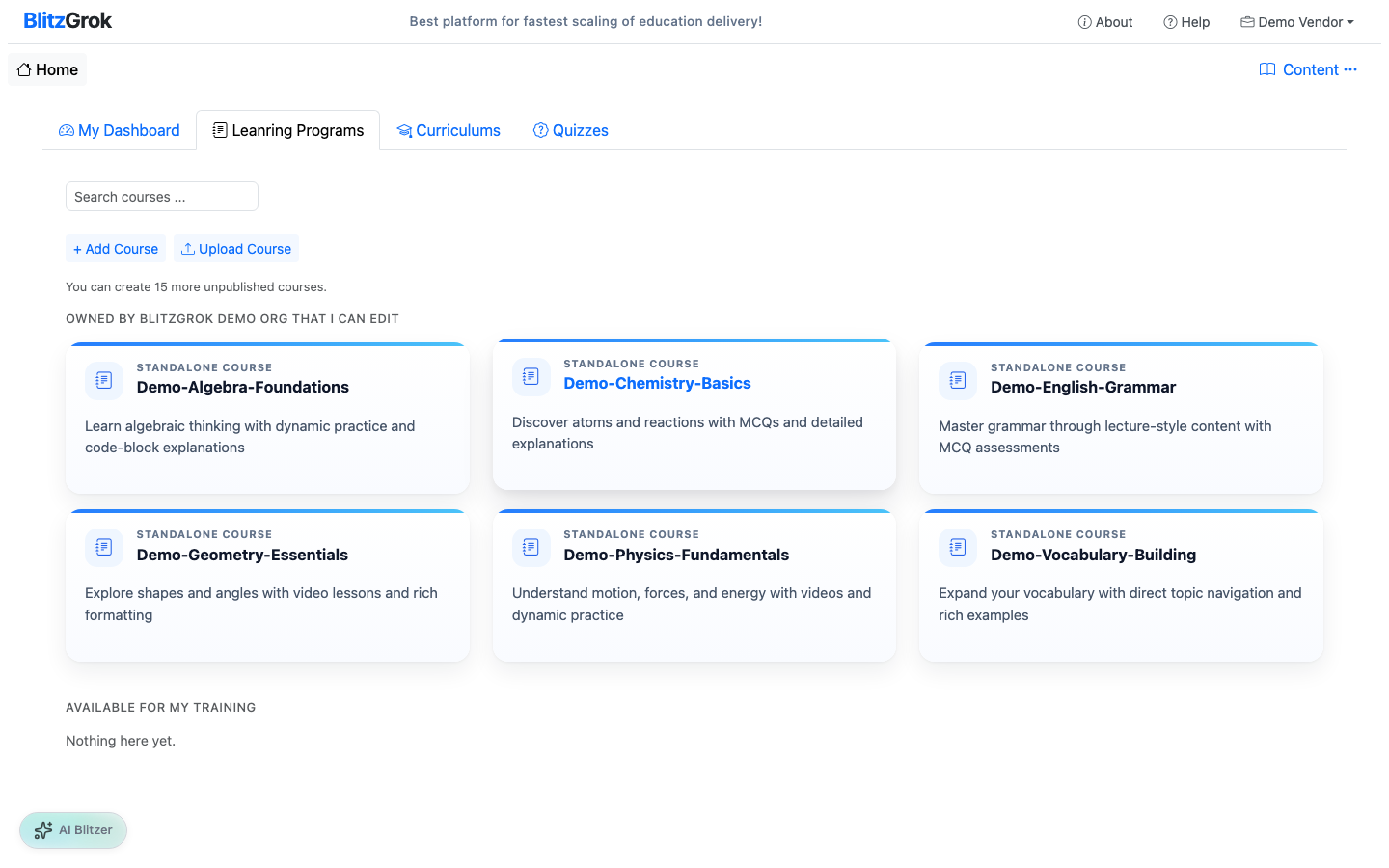
Click "Add Course" from the courses page
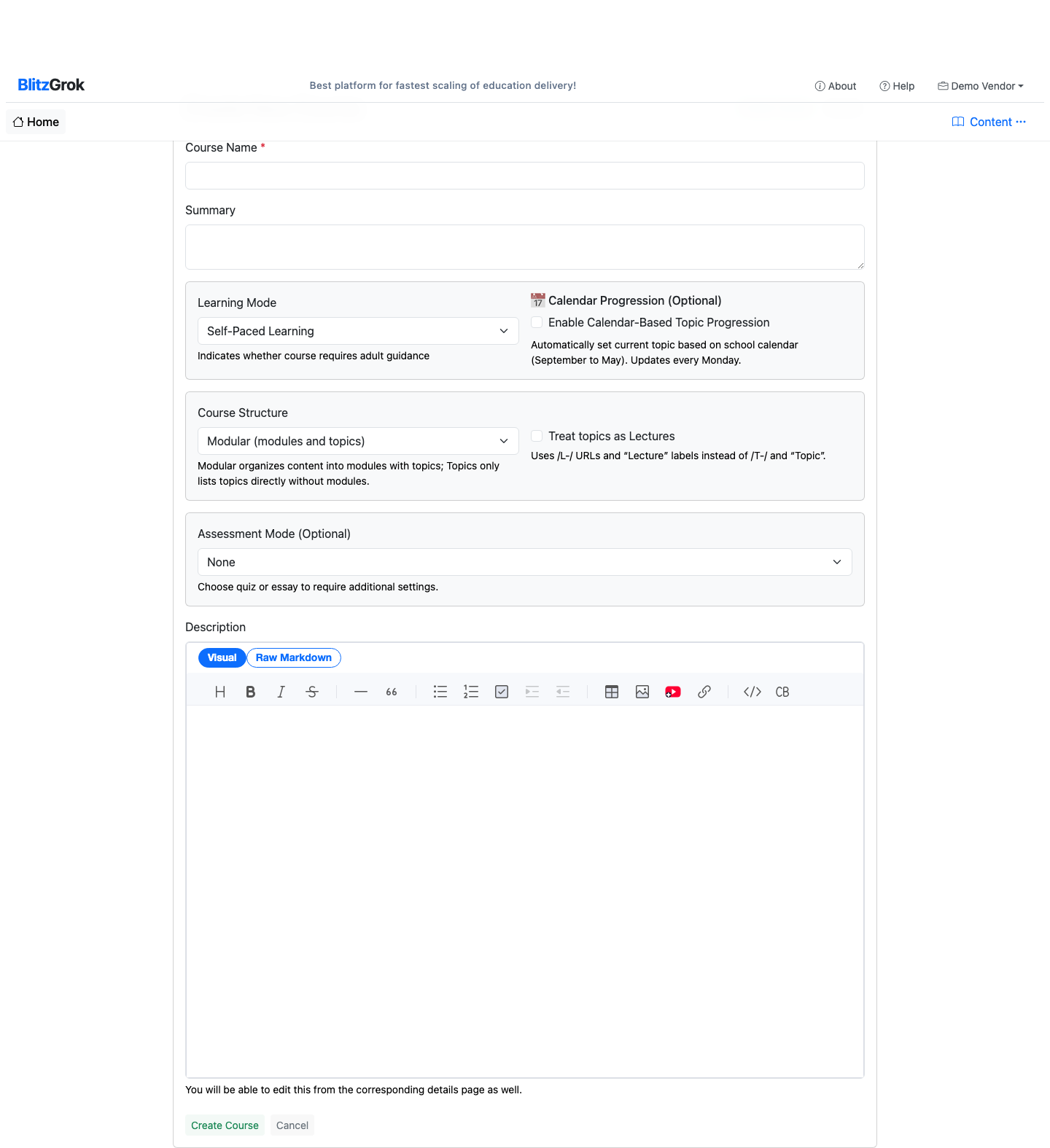
Fill out the course name (required) and summary/description (recommended)
Click Create Course
1. Start: add a course
2. Course create form
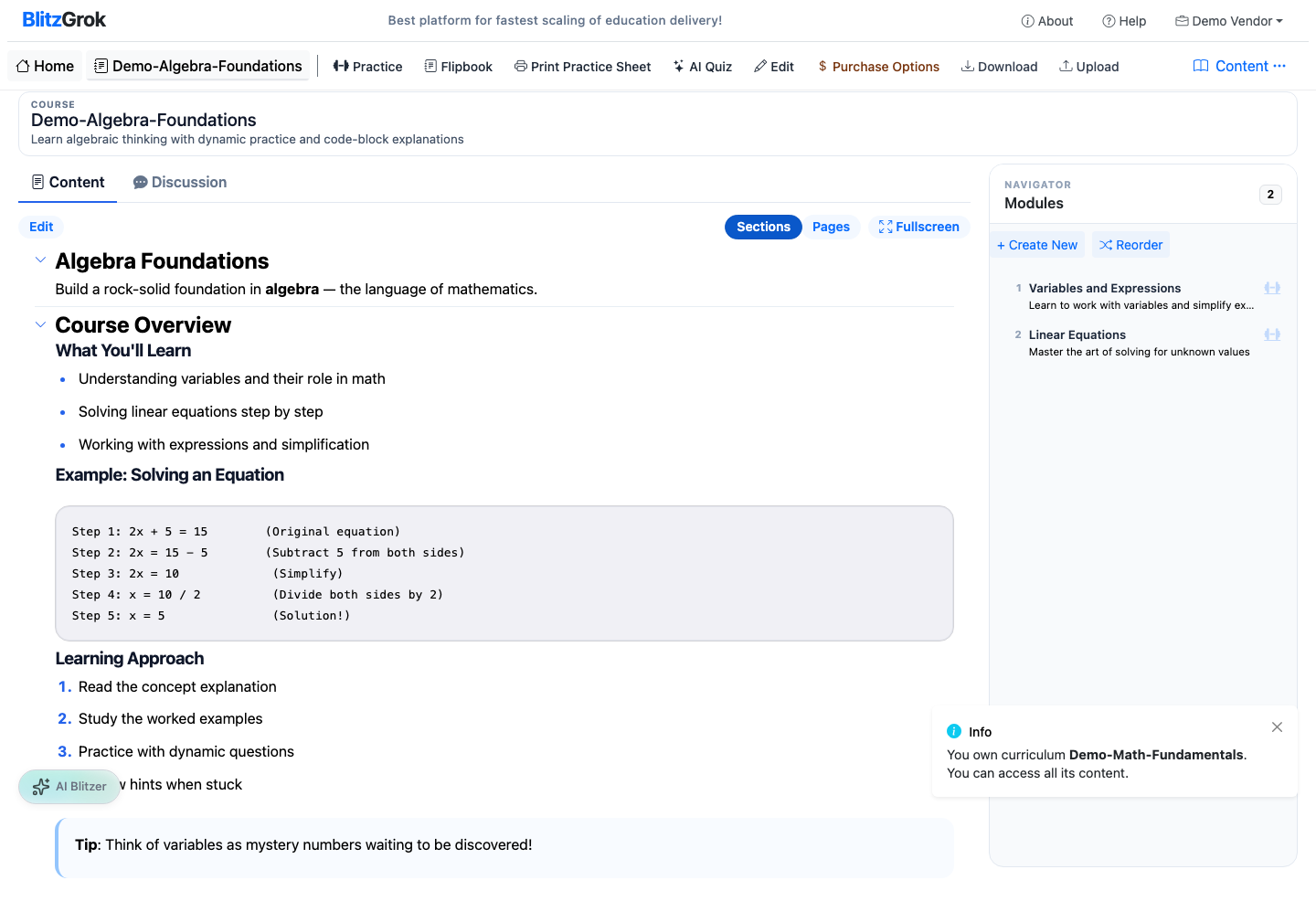
3. Course created
2
Add Modules
Modules break your course into focused learning steps.
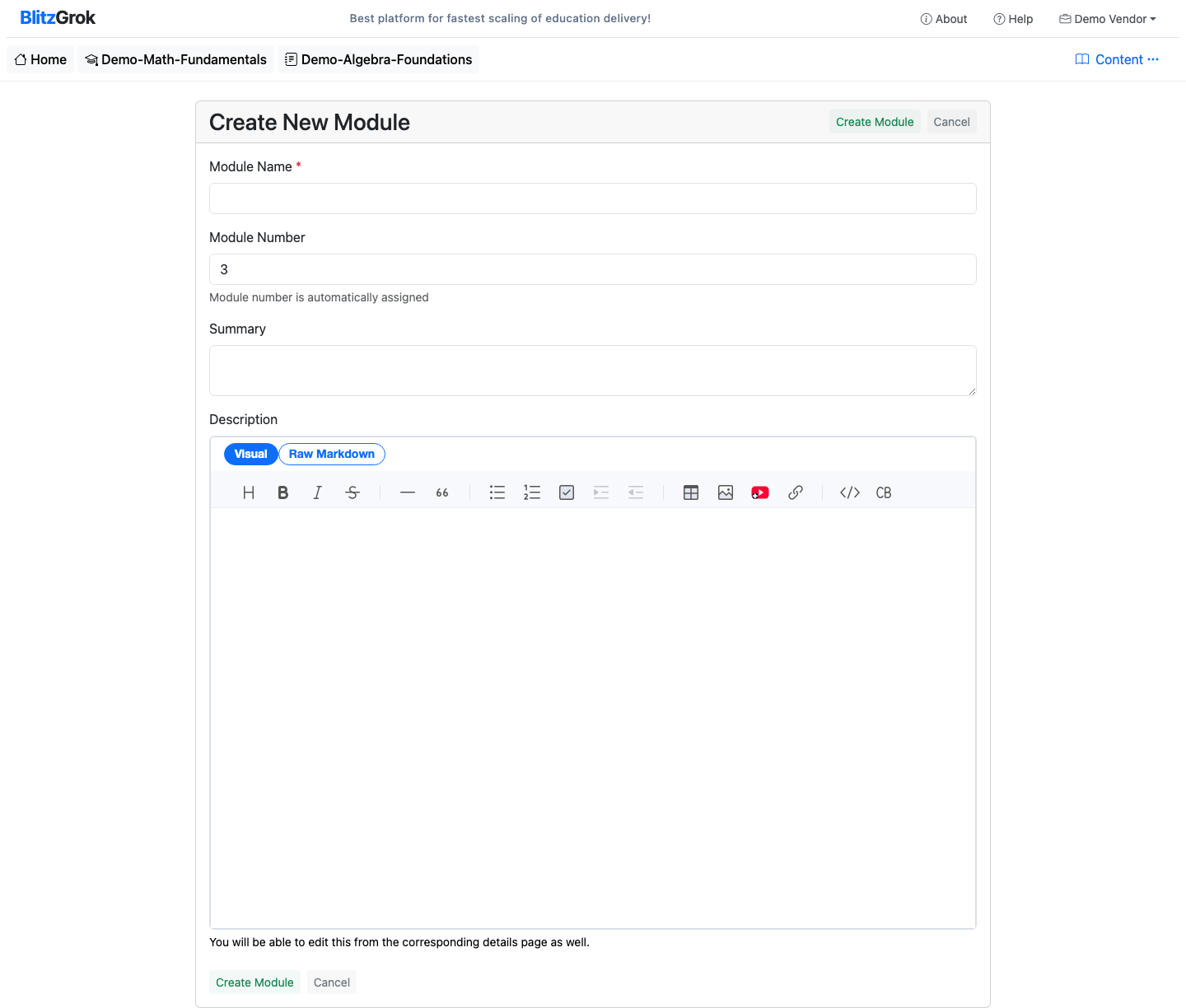
Open your course
Use "Add Module"
Keep modules small and ordered (students move sequentially)
4. Module create form
5. Module created
3
Add Topics (Inside Modules)
Topics are the practice units — each topic should cover one concept.
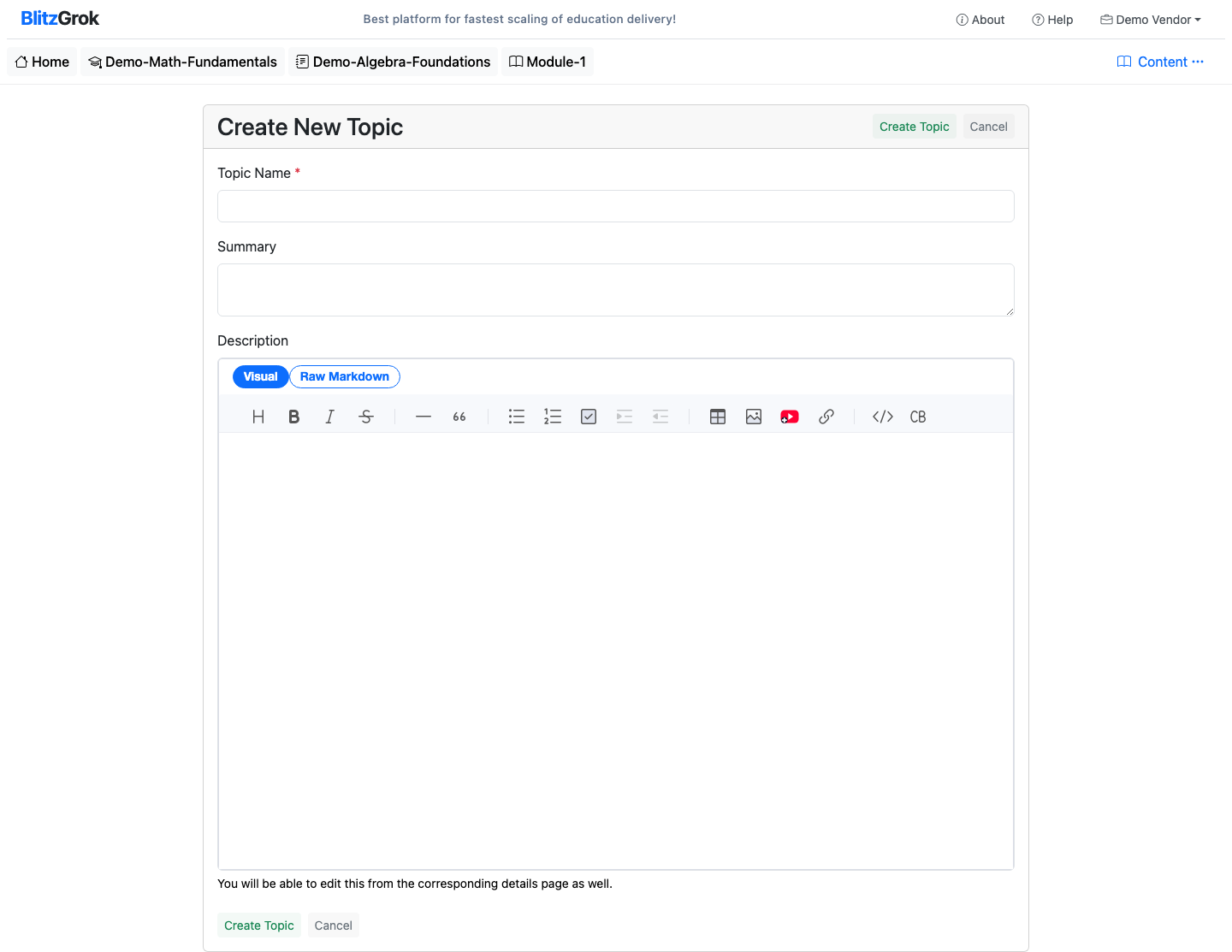
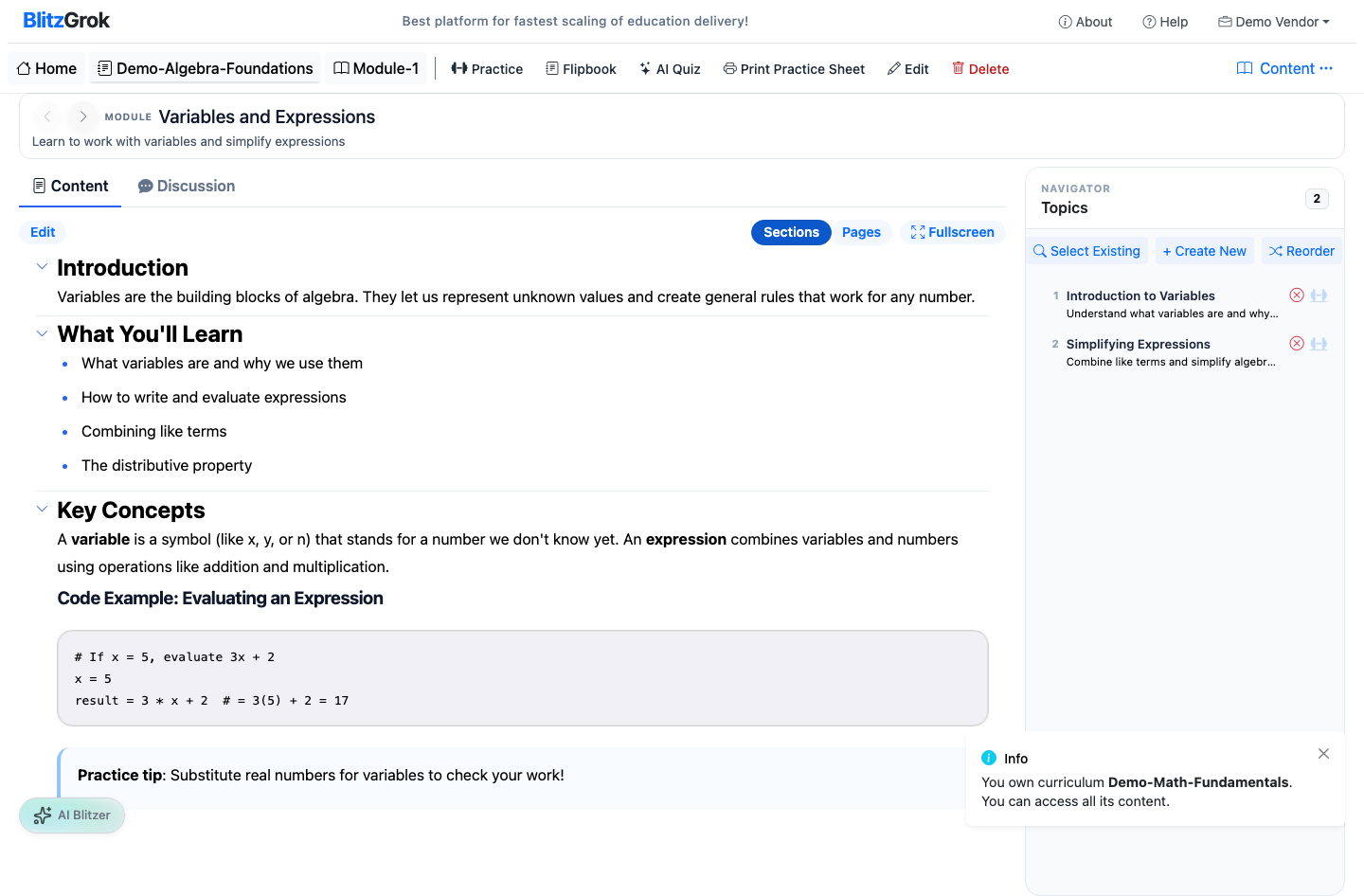
Open a module
Use "Add Topic"
Keep topics narrow; prefer more small topics over fewer broad ones
When your course is ready, configure pricing (if needed) and then publish. Publishing is the final step — once published, students can discover and enroll.
Open the course page
Click Purchase Options to set pricing, then Save Purchase Options
Click Publish to make the course available
8. Purchase options
9. Publish the course
Note:After publishing, editing options may be limited depending on purchases and platform rules.